A wedding photo app with nothing for your guests to install.
The only app this needs is the camera your guests already have. They point it at a QR code on the table, pick their pictures and send them along. Nothing to download, no sign-in screen, no queue for the Wi-Fi password.







What is a wedding photo app for guests?
It is whatever gets the pictures off everybody else’s phone and onto yours. The versions that work are not downloads. A QR code on the table opens a private upload page in the browser; guests pick their pictures and send them; the lot arrives in one album, in time order, at the size it was taken. You download everything afterwards in one go, and nobody has created an account to make that happen.
A web page, opened by the camera. Asking eighty guests to install something is the point at which most of them quietly don’t.
Pictures, video and voice notes arrive together, in the order they were taken, each with a name against it.
The file the camera made, not the copy a thread has shrunk to a thumbnail.
Five ways to collect wedding photos, and where each one gives up.
Most couples try at least one of these before the day. They differ less in what they can do than in how much they ask of a guest — and a guest who is asked to do anything much tends to do nothing at all. Here they are in a row, including what our own answer costs you.
App Store or Google Play
Install, register, allow accessWhat none of them fixesThe most features and the fewest uploads. Each step before the camera sheds a few people, and the older guests are gone at the first.
WhatsApp, iMessage, Signal
Nothing — they are in it alreadyWhat none of them fixesEasiest to begin, hardest to keep. Photos are squashed, video is refused for being too large, and the whole thing scrolls out of reach within a week.
Google Photos, iCloud, Dropbox
The right account, and the linkWhat none of them fixesFull size, but half your guests haven’t the account and the other half can’t find the link by Tuesday.
On the tables, developed later
Nothing at allWhat none of them fixesThe prettiest object and the slowest result. Twenty-seven frames, a wait of weeks, no video, no voices.
This page
Scan, choose, send — three tapsWhat none of them fixesNothing to install, full size, video and voices included. What it costs you: it is a web page, so a guest with no signal waits for one.
None of these stands in for your photographer. They gather what happens beside the photographer — which is the part nobody was gathering.
Three steps, and only the first is yours.
The work is all before the wedding and takes a few minutes. On the day itself you do nothing and remind nobody; the code sits where your guests are already looking.
Set up the album
Two names, a date, done. The QR code arrives as a print-quality PDF for the place cards and the signs.
Put the code on the tables
One on each table, one by the door, one at the bar. Guests scan it with the ordinary camera.
Pictures arrive as they are taken
Each one lands in the album during the day — in time order, with the name beside it.
One album, one link, and every guest can open it.
Everything your guests sent sits on a single page, in time order, each picture with a name against it. You send one link and the whole day plays back — for the guests who left early and the relatives who couldn’t come.
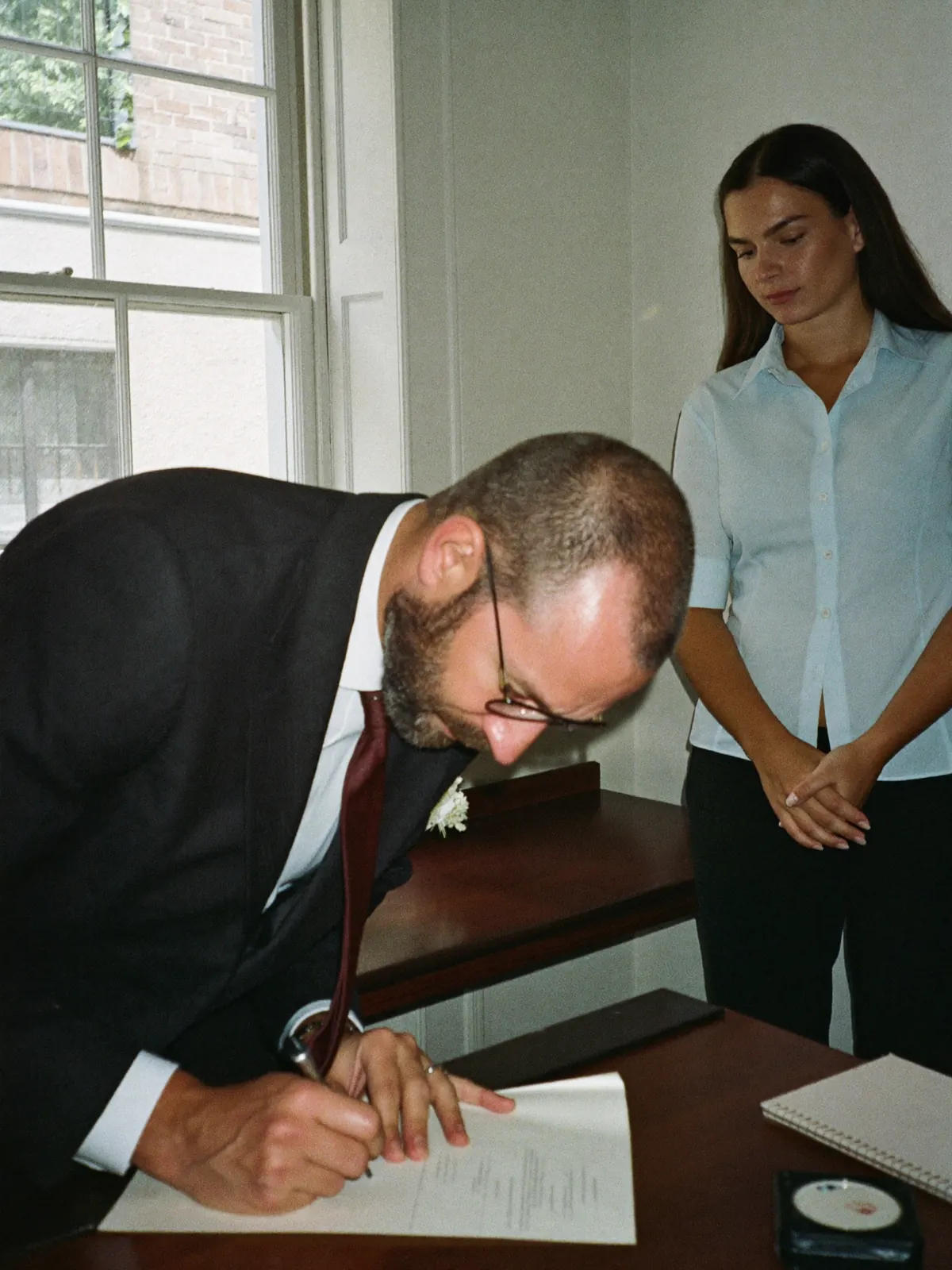
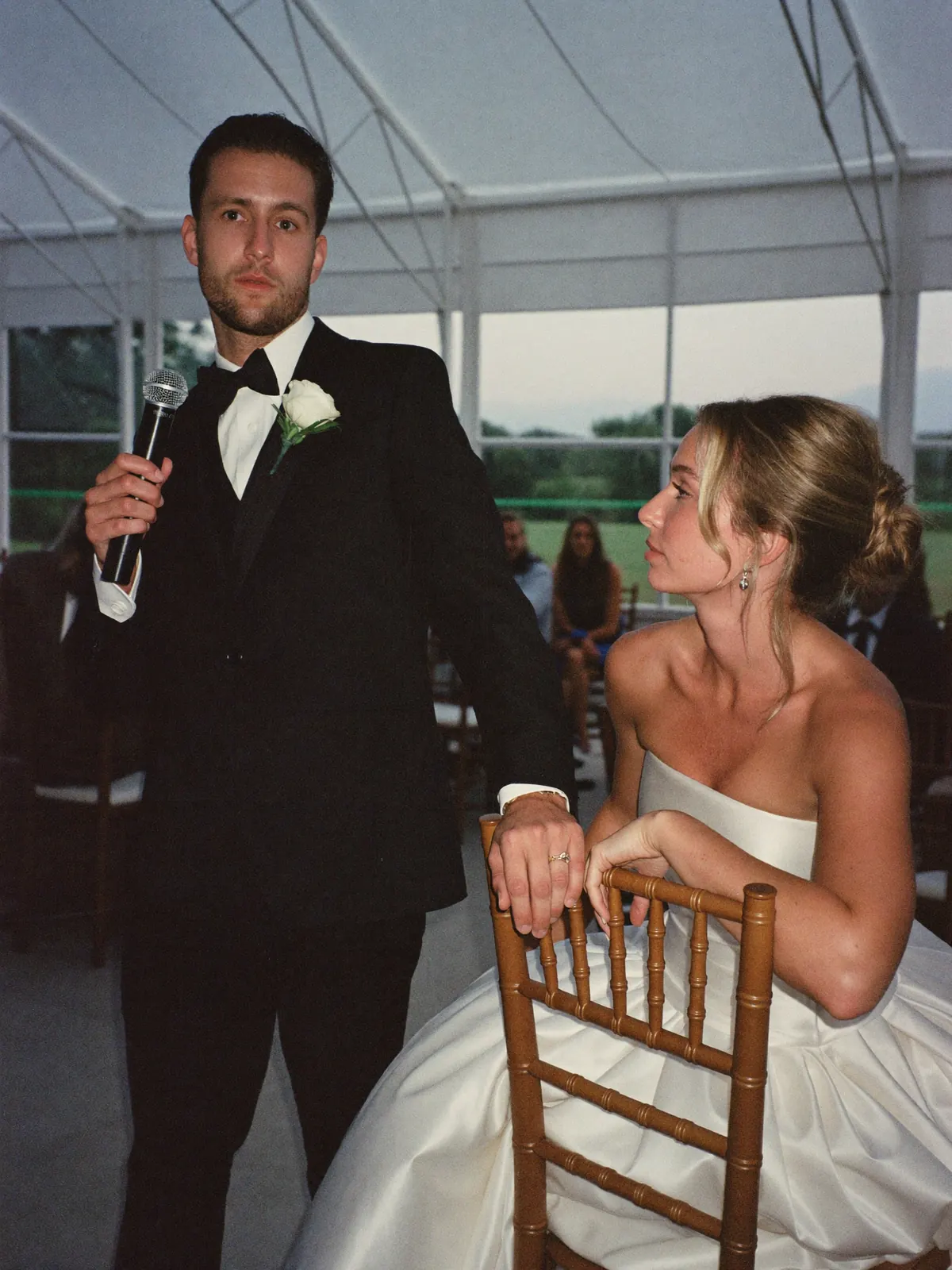


No account, no invitation, no group to join. Your great-aunt included.
You decide who may open the page, and from what moment.
Full size, for you and for any guest who wants one for the mantelpiece.
 Poppy
Poppy Arthur
 Gemma
Gemma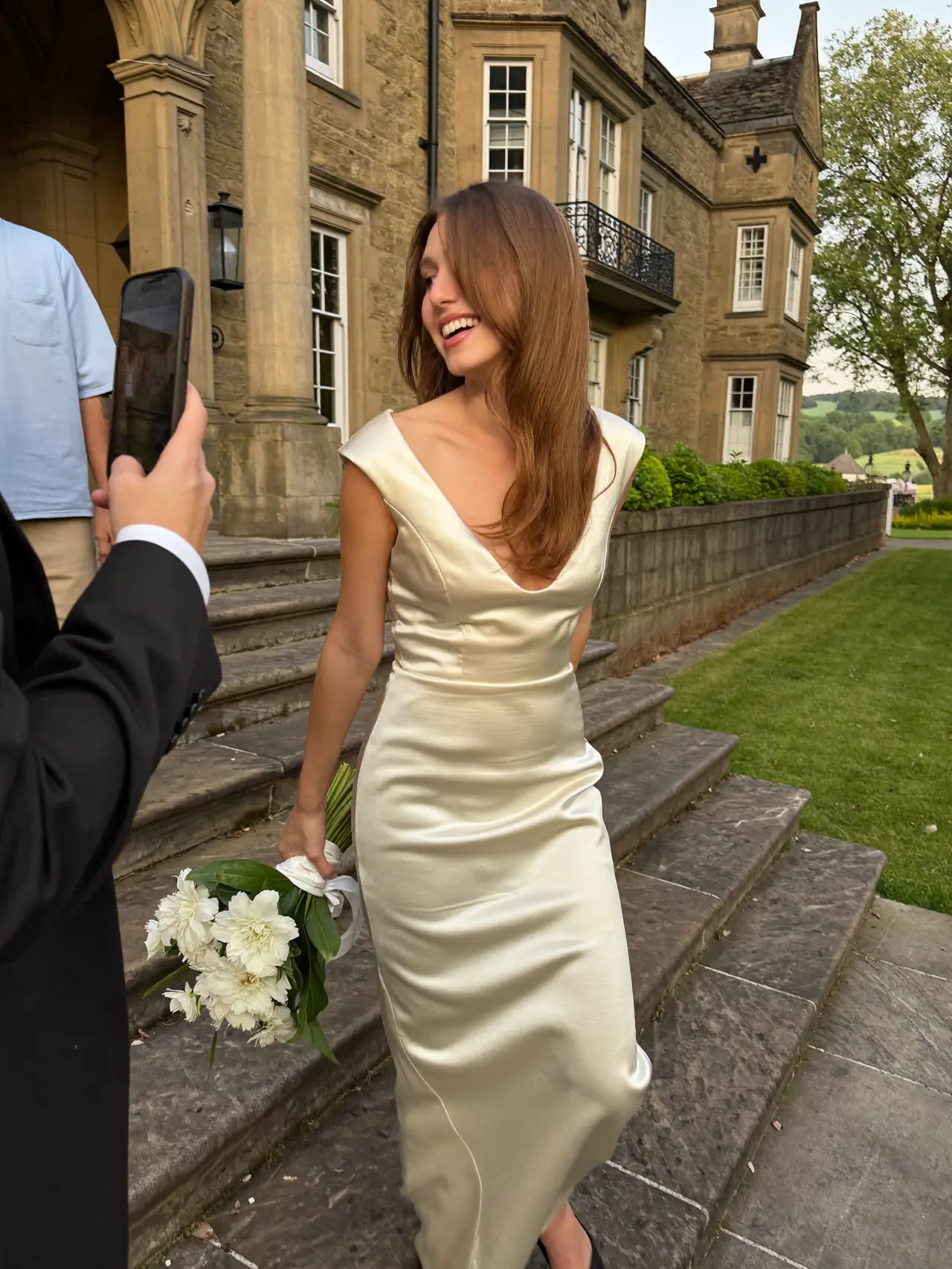 Poppy
Poppy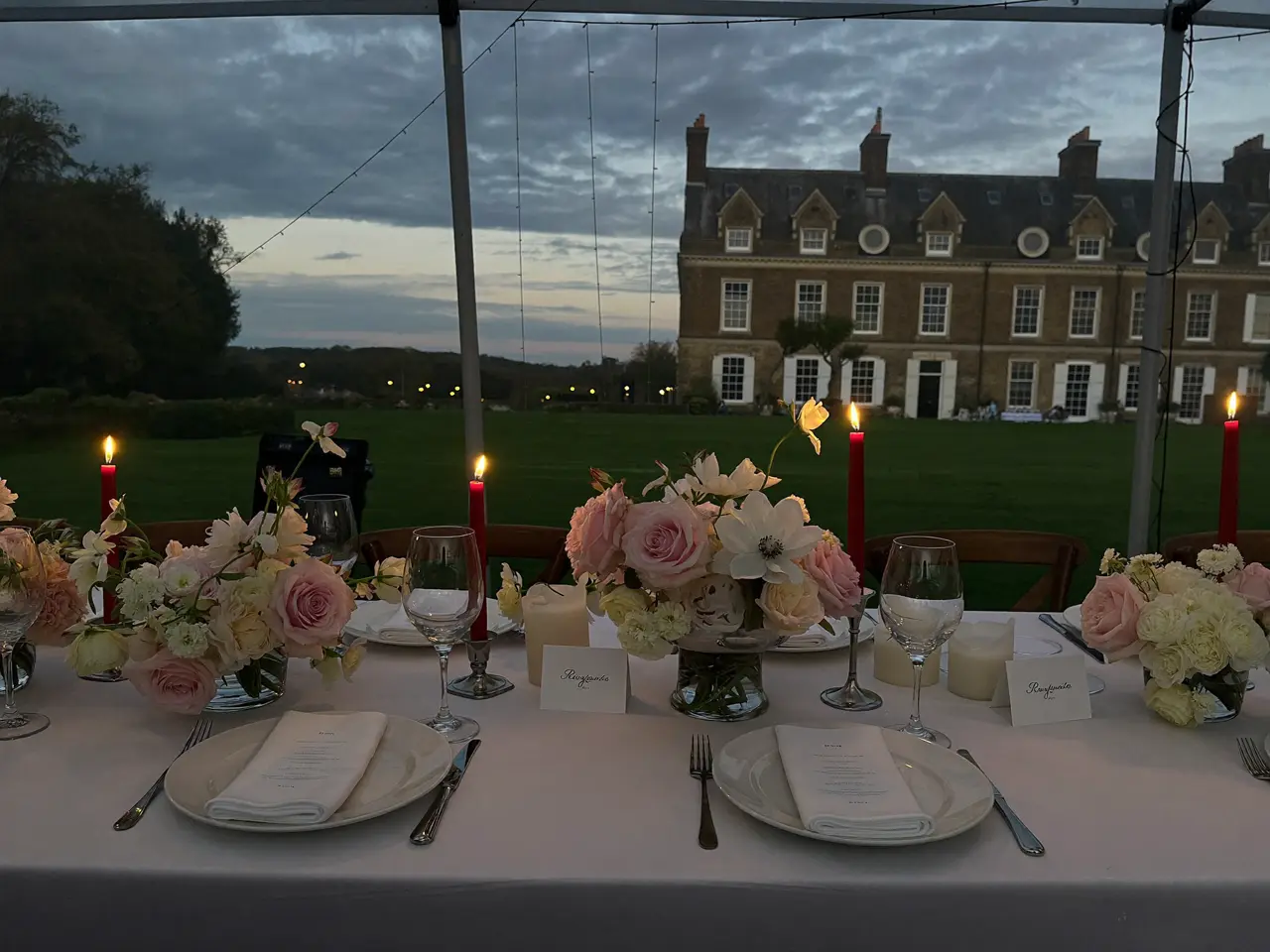 Arthur
 Gemma
Gemma Poppy
Poppy Arthur
- Share
- Download
- All · Photos · Voices
- By person
Your day gets a page of its own.
Photos, videos and voice notes from everyone who came — one page, one link. Guests open it, browse the lot, and download whatever they like.
Open to every guest
Anyone with the link is in — no account, nothing to install.
Or kept to the people who were there
A password on the page, passed on to exactly whom you choose.
The dress is in the photographs. The speech is in the voice notes.
“Eleanor, Tom — what a day you’ve given us all. Your grandad would have adored every minute of it. Cheers, you two.”
 Gemma0:12
What you have on the Monday.
By Monday the album is complete and nobody has had to chase anybody. Six things are yours for keeps.
Every original
Full size — not the copy a group chat has trimmed to a few hundred kilobytes.
The video as well
The entrance, the first dance, the speeches. Files, not a recording of somebody’s screen.
The voices
Voice notes from your guests — the part no photographer has ever been able to bring you.
In the order it happened
From getting ready to the last song, in sequence.
A name against each one
You can see who took what. Years on, still.
Your hand on the album
Anything can be hidden or removed before the link goes out.
What does a wedding photo app cost?
One price for the wedding, no subscription, nothing added per guest. You begin on the free tier and the paid ones only come into it when the free one runs out of room.
- 60 photos, videos & voice notes
- 5 GB storage
- Unlimited guests — no app needed
- 30-day album
- Badge on shared media
- No original-quality download
- Unlimited photos, videos & voice
- 50 GB storage
- Download all originals (ZIP)
- No badge on your media
- 90-day album
- Host moderation tools
- Everything in Essential
- 100 GB storage
- Live photo wall at the venue
- 6-month album
- Video up to 10 min
- Priority support
- Everything in Celebrate
- 250 GB storage
- Live stream for guests who can’t be there
- Voice notes transcribed
- Custom link
- 1-year album
What couples ask us
What is the best wedding photo app for guests?
Whichever one your guests will actually use, which rules out most of the ones with the longest feature lists. An app that has to be downloaded sheds a guest at every step before the camera. A QR code that opens a web page asks for three taps and no account, and that is the whole reason it collects more. The comparison above puts all five options in a row, this one’s cost included.
Do my guests have to download an app?
They don’t. The code opens a page in whichever browser the phone already has — there is nothing in an app store to find, nothing to register for and no password to think up.
Is there a free wedding photo app for guests?
This one begins free, and the free tier is a real tier rather than a fortnight’s trial: guests upload, you see the album, nothing expires mid-week. The paid tiers add storage and a longer window, and you only reach for one when you need it.
How do guests find the album?
By the code you have printed — on the place cards, the back of the menu, a small sign at the bar. Beneath the code the address is printed in plain text, so a guest who would rather type it can.
Does it take video and voice notes too?
It does, through the same code. Video comes in as the original file rather than the squashed copy a chat would send, and a guest who would rather say something than write it records a voice note the same way.
Does the app work on an older phone?
On anything with a camera and a browser from the last several years, which is nearly every phone at a wedding. There is no store listing and no minimum software version, because nothing gets installed. A guest with no smartphone at all passes their picture to a neighbour at the table, who sends it along — and neither of them needs an account for that.
How is this different from a group chat?
A chat shrinks every photo, turns video away above a certain size, and buries the lot under next week’s messages. Here the original file arrives, in the order it was taken, on a page that will still be where you left it next year.
Can I take a photo down after a guest has uploaded it?
At any time, before the link goes out or long after. A picture can be hidden or removed from your side of the album, and the guest who sent it cannot put it back. That is your decision, not theirs.
Anything we’ve not answered? Write to us — we reply the same day.
Before you decide
The only app this needs is already in your guests’ pockets.
Set up the album, print the code, leave it on the tables. Their camera does the rest — nothing to download, nothing to join.
- 1Set up the album — free
- 2Print the QR code PDF
- 3Download everything afterwards