One QR code. The wedding photos come back to you.
Print the code on your place cards and the order of service. Your guests point a camera at it, add their photographs, videos and voice notes, and the day gathers itself into one album — originals included, yours to download.







What is a wedding QR code for photos?
A wedding QR code for photos is a printed code that opens one private album. A guest points a phone camera at the card on the table, a web page opens, and they add photographs, videos and voice notes without downloading anything or making an account. Everything arrives with you at full resolution, in the order the day happened.
Printed on the place cards, the order of service, a card by the bar — wherever your guests are already looking.
Stills are the least of it. Guests can film, and they can leave something spoken for you to hear afterwards.
The code opens a web page, and that is the whole of it. No app to find, no account to make, and no queue at the one person on the table who understands it.
Who is photographing the day while you are in it?
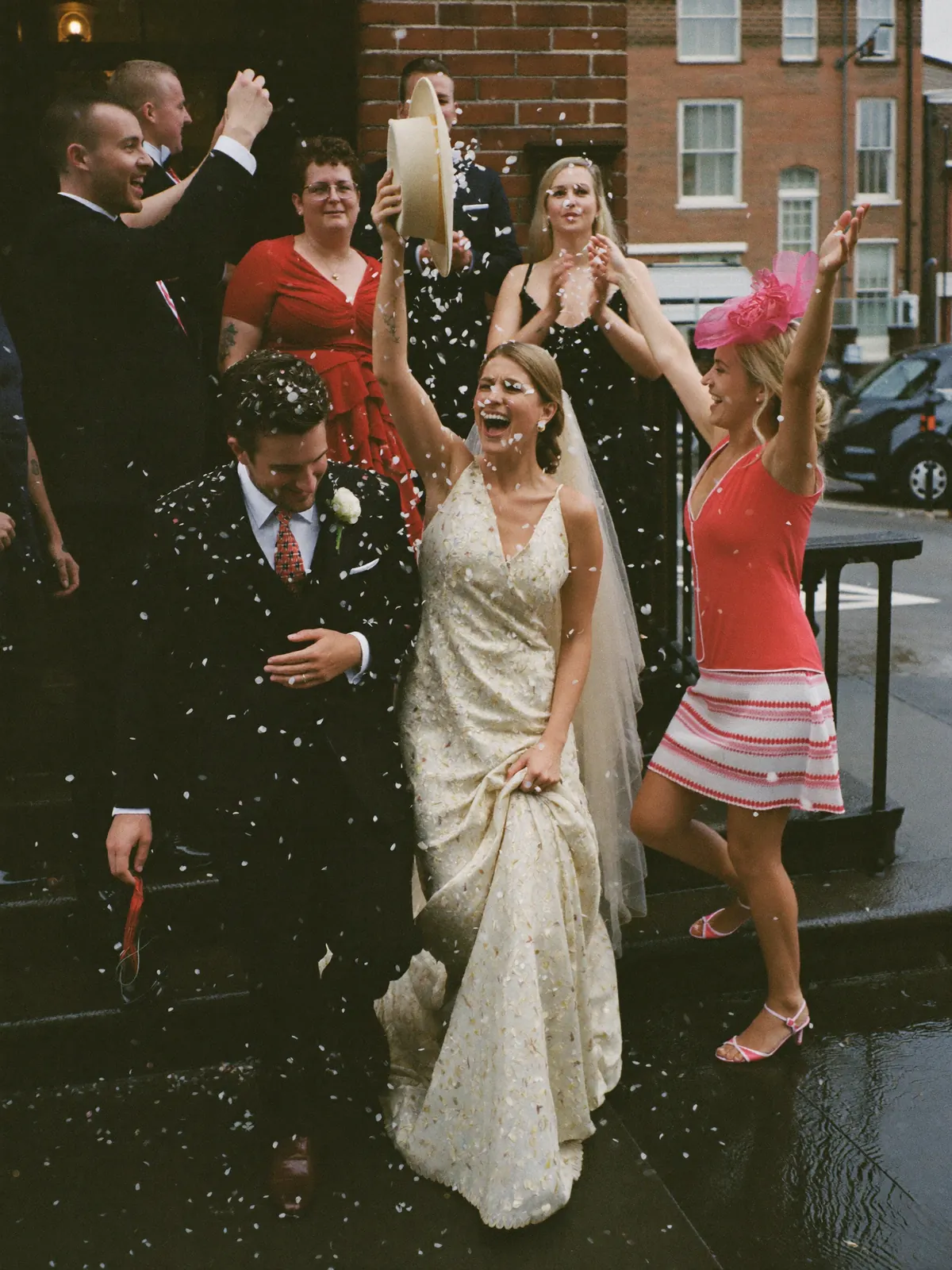
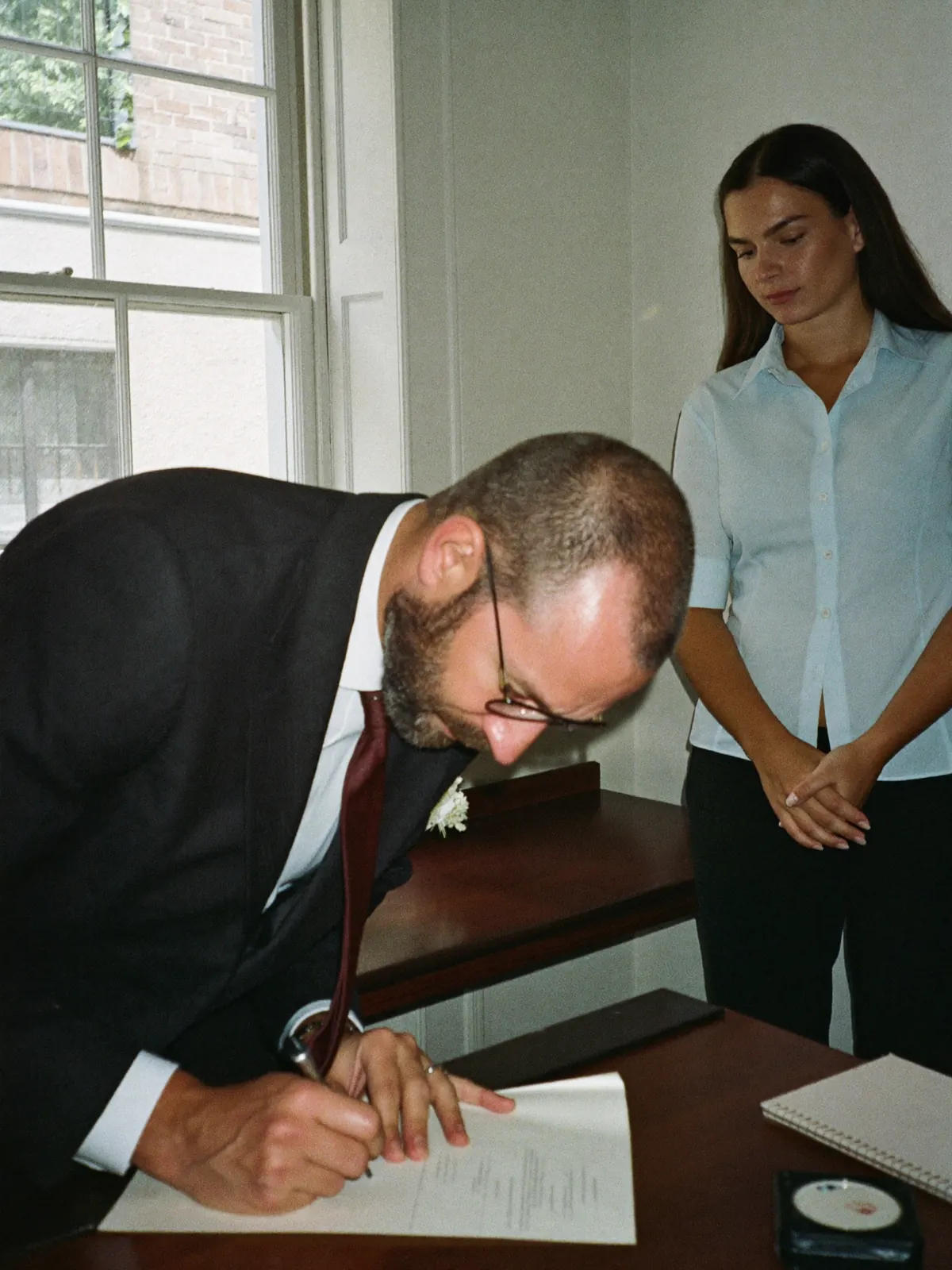
You will be inside every hour of it: in the receiving line, at the top table, on the dance floor with everyone else standing round it. Your photographer covers the hours you booked. The hours around them sit on your guests’ mobiles and mostly stay there, which is where these five moments go. One code on the tables brings them back.
Getting ready
Your bridesmaidsWhat goes missingThe hour before anyone official arrives, which nobody outside that room ever sees.
Your vows
Everyone facing the frontWhat goes missingYour own face, from every angle in the room except your own.
The receiving line
Whoever is next in the queueWhat goes missingA hundred hellos in an hour, and you will remember perhaps six of them.
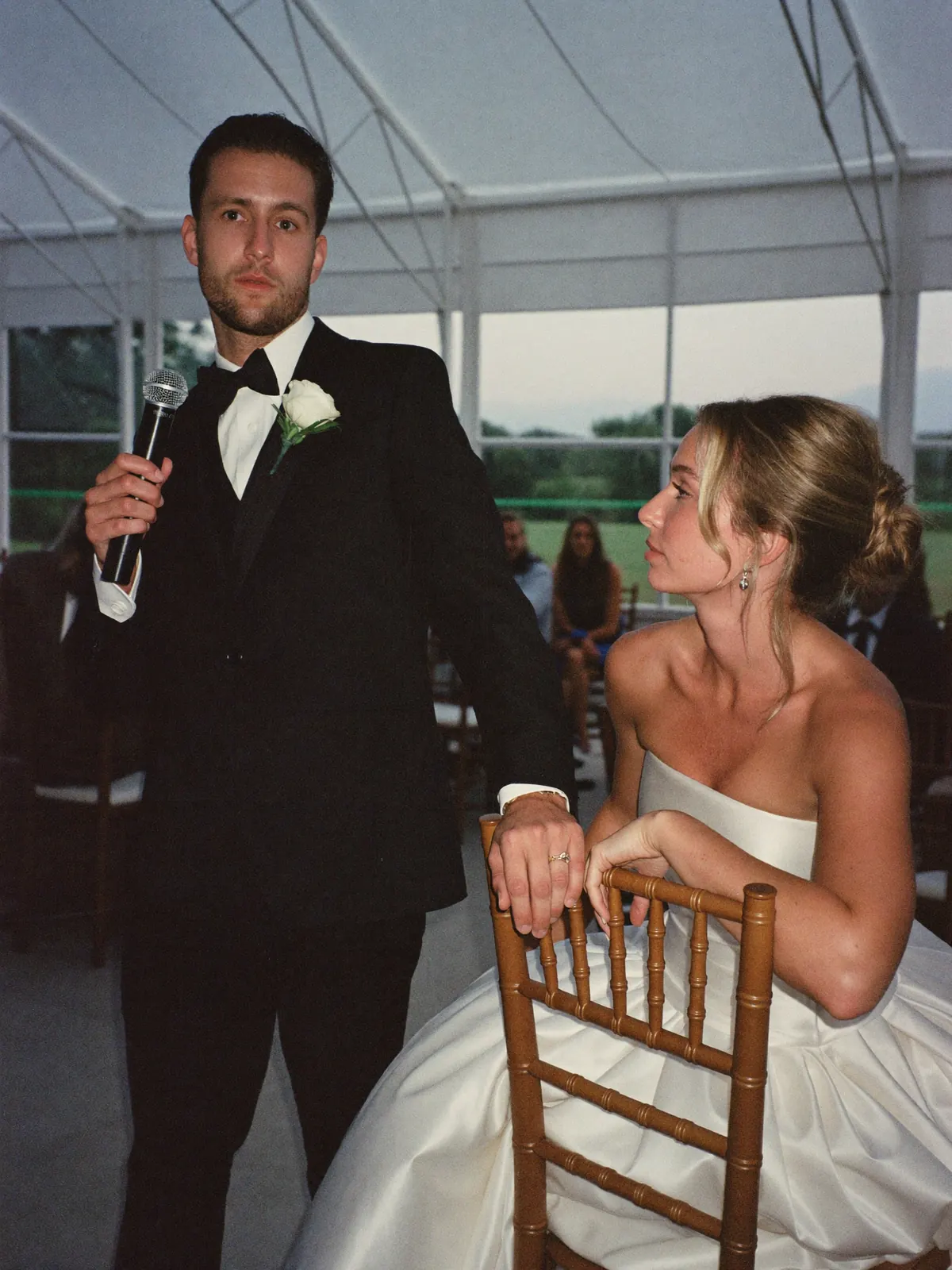
The best man’s speech
The table laughing hardestWhat goes missingThe sound of it: the pause before the punchline, and the table that goes first.
The first dance, and the last song
Everyone who is not dancingWhat goes missingThe video somebody filmed, meant to send you, and never did.
Your photographer is not being replaced by any of this. It is the day going on behind them, and carrying on after they have packed the cases into the car.
Where does the QR code go, and how do guests use it?
Create the album a few weeks before the wedding and you are given a printable code. It goes where your guests already look: the place cards, the back of the order of service, a small card at the bar. They point a camera at it, a page opens in the browser, and whatever they send appears in your album while the band is still playing.
Create the album
Two names and a date is the whole of the setting up. What comes back is a print-ready PDF, at a size your stationer can work with.
Print it with the stationery
Place cards, the order of service, an easel by the door. One code covers the whole wedding, so there is nothing to keep track of table by table.
It arrives as it is taken
Photographs, videos and voice notes drop into one album through the day, sorted by the hour they were taken.
Where the wedding guest photos end up.
Everything your guests sent sits on one page, in the order the day happened, with the name of whoever took it beside each frame. You send a single link — there is no account to make and nothing to install — and they look through the whole wedding and download what they would like. Open to everyone, or behind a password.
Put it in the thank-you cards. There is nothing for a guest to join and nothing they must download.
You choose who can open the page, and from which day they can open it.
Downloaded at the size they were taken, which is the difference between a print that holds up on the wall and one that does not.
 Poppy
Poppy Arthur
 Gemma
Gemma Poppy
Poppy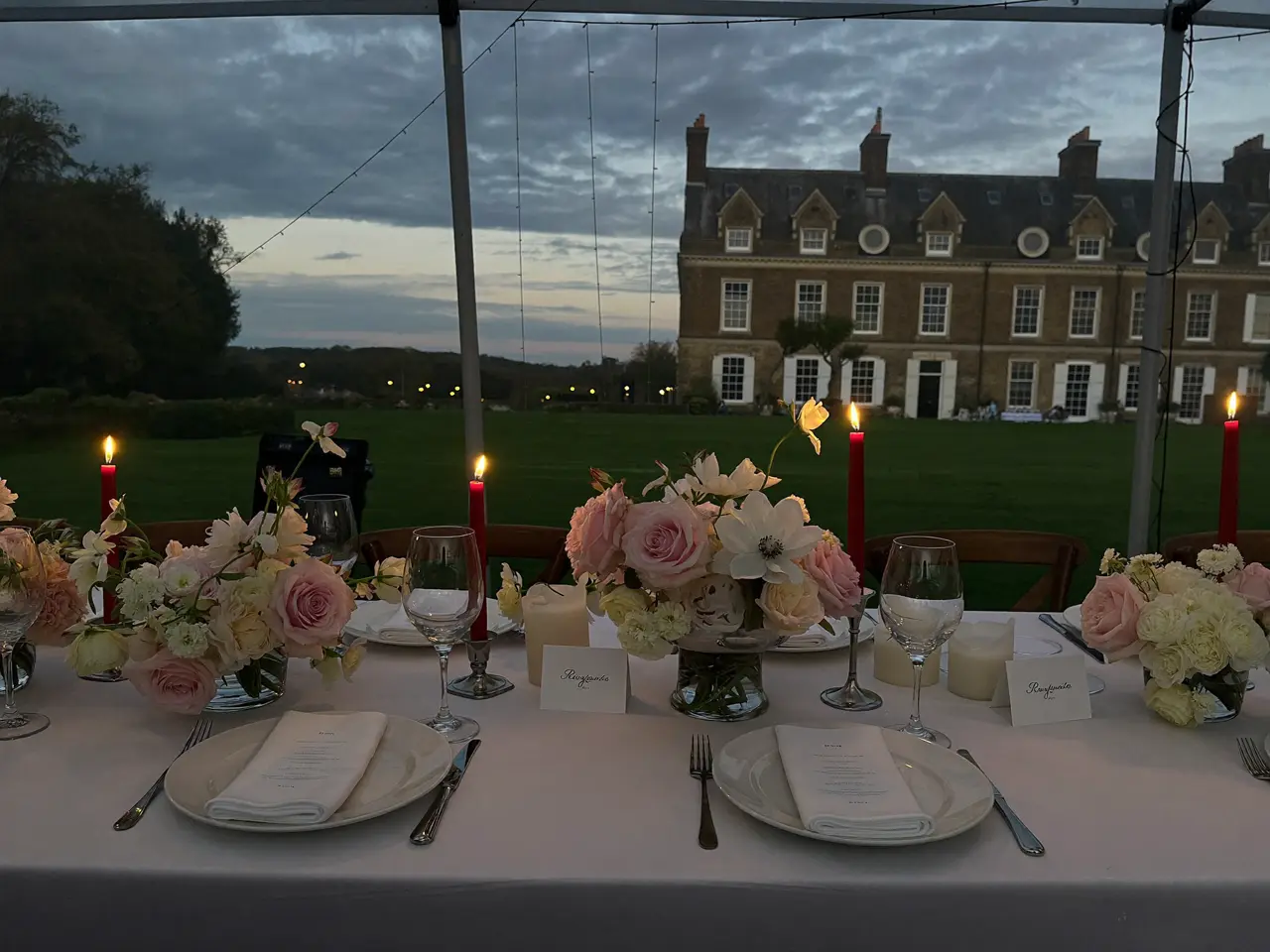 Arthur
 Gemma
Gemma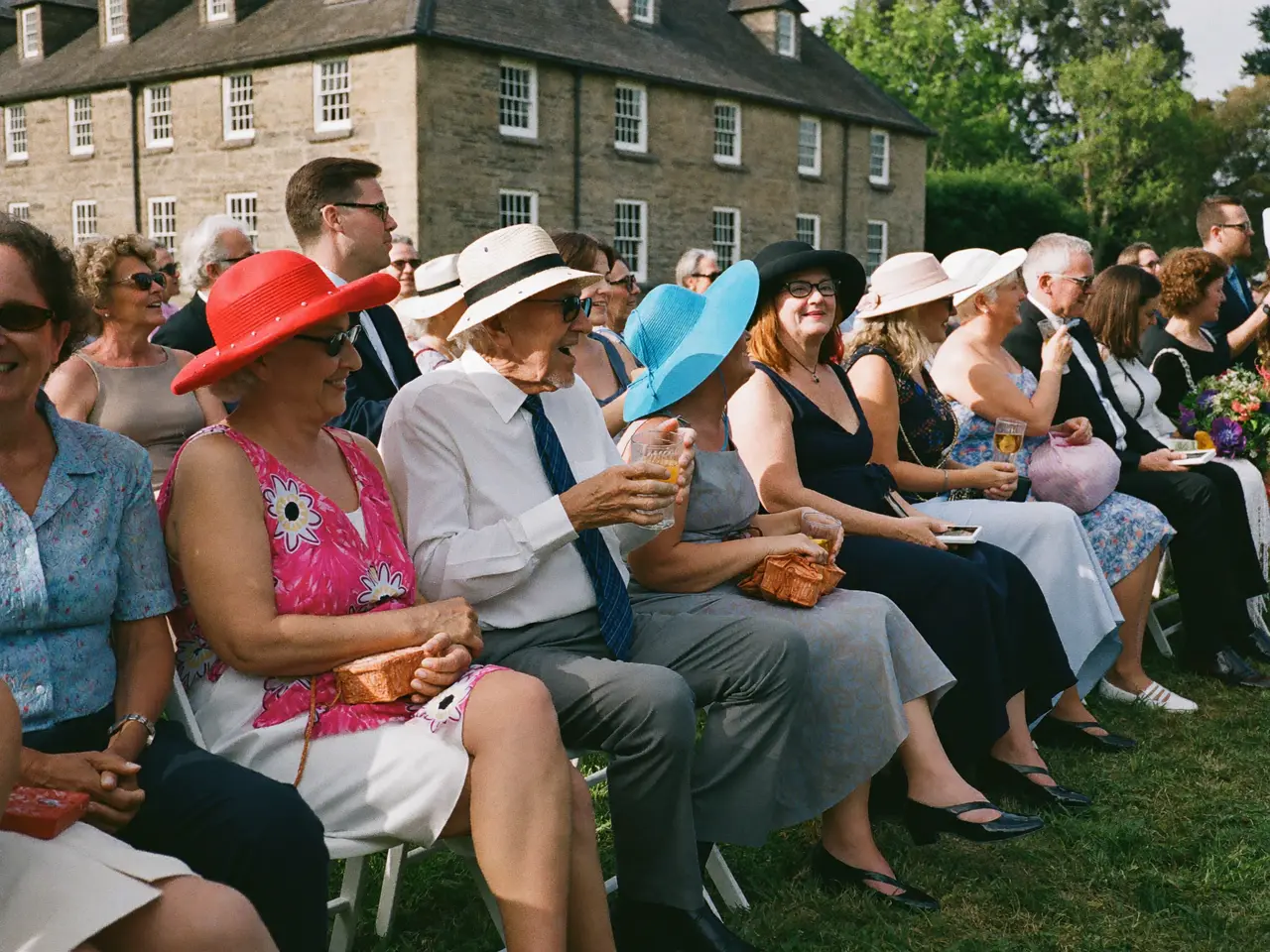 Poppy
Poppy Arthur
- Share
- Download
- All · Photos · Voices
- By person
Your day gets a page of its own.
Photos, videos and voice notes from everyone who came — one page, one link. Guests open it, browse the lot, and download whatever they like.
Open to every guest
Anyone with the link is in — no account, nothing to install.
Or kept to the people who were there
A password on the page, passed on to exactly whom you choose.
The things people said to you, in the voice they said them in.
“Eleanor, Tom — what a day you’ve given us all. Your grandad would have adored every minute of it. Cheers, you two.”
 Gemma0:12
What is waiting for you the morning after.
By breakfast the album is complete, and nobody had to be chased for anything. You can see who sent what, take down whatever you would rather not keep, and download the whole wedding in one go. Six things are yours from that morning onwards, whatever anyone clears off their own phone later.
Every original
The file as the camera made it, rather than the smaller copy that comes back out of a message thread.
The videos as well
The entrance, the first dance, the speech from start to finish, as files you can actually play.
The voices
Whatever your guests recorded instead of typing: the toast, and the two sentences somebody could not get out in person.
In the order it happened
Morning to last song, sorted by the hour, without either of you sorting anything.
A name beside each frame
You will still know who took which photograph in ten years’ time.
Yours to hide or remove
Anything can come down before you send the link, and nobody is told that it has.
What does a wedding QR code for photos cost?
One price for the wedding, paid once. There is no subscription to cancel afterwards, and nothing is charged by the head, so the length of the guest list makes no difference to what you pay. Start free, and pay only when the day needs more than the free album holds.
- 60 photos, videos & voice notes
- 5 GB storage
- Unlimited guests — no app needed
- 30-day album
- Badge on shared media
- No original-quality download
- Unlimited photos, videos & voice
- 50 GB storage
- Download all originals (ZIP)
- No badge on your media
- 90-day album
- Host moderation tools
- Everything in Essential
- 100 GB storage
- Live photo wall at the venue
- 6-month album
- Video up to 10 min
- Priority support
- Everything in Celebrate
- 250 GB storage
- Live stream for guests who can’t be there
- Voice notes transcribed
- Custom link
- 1-year album
What couples ask before the day
When should we set the album up?
Whenever your stationer needs the artwork — that is the deadline that matters, because the code has to be on the place cards and the order of service before they go to print. Creating it early costs nothing while it sits empty, and the code you are given on the first day is the one your guests scan on the last.
Where do most couples put the QR code?
On the place cards first, because every guest picks one up and turns it over. After that: the back of the order of service, a card propped at the bar, and one by the cake. The more places it appears in, the more of the day finds its way back.
Does this replace our wedding photographer?
It is not meant to and it will not. Your photographer is booked for the hours that matter most and will do them better than any mobile in the room. The album picks up everything either side of those hours: the room you got ready in, the receiving line, the table you never quite reached, and the angles nobody was standing at.
Can we add our photographer’s pictures to the same album?
Yes. Upload the files yourself when they come through, and everything sits in one place: your guests open a single link and find their own photographs beside the professional ones, instead of waiting on a gallery they need a password for.
What about guests who are not confident with a phone?
They are not shut out of it. Anyone at the table can send a photograph on somebody else’s behalf, and no account is needed for that either. And because the code sits on the order of service, a guest who would rather do it calmly at home can scan it there a week later.
Can our guests see the album during the reception?
Yes — it is live from the first upload, so a guest who scans the code between courses sees what everyone else has been sending. If you would rather look through it yourselves first, keep the album private and release it when you are ready.
Can guests still add photographs after the wedding?
For as long as you leave the album open, yes — which matters more than it sounds, because a marquee in a field is not known for its signal. An upload that stalled at midnight goes through from the same link on Sunday, and so does everything a guest only finds when they scroll back through the week.
Is there a limit on how many photographs our guests can send?
No cap per guest and none on the wedding itself once the album is a paid one, and photographs, videos and voice notes all go to the same place. The free album is the one with a limit on it, which is there so you can see how the thing behaves before you commit to it.
How long can we download the wedding photographs for?
For as long as your plan runs — the window is printed on every plan card further down this page. The sensible thing is one large download in the first fortnight, while you are still opening cards and none of it has gone cold; after that the album is a convenience rather than the only copy.
Anything we’ve not answered? Write to us — we reply the same day.
Before you decide
Your wedding happens once. The album can be ready before it does.
Set the album up this evening, send the code to print with the place cards, and leave the rest to the people sitting at the tables.
- 1Create the album — free
- 2Print the code with the stationery
- 3Download it all afterwards