Review uploads before they appear
By default every upload goes straight into the album and, if you are showing one, onto the live wall. Nothing waits for you, and there is no automatic content filter in between.
Switch the event to review-first and new uploads collect in a queue instead. Nobody sees them — not on the album, not on the live wall, not even the guest who sent them — until you approve them.
Straight in is the default
A new event publishes automatically: an upload is processed and then appears in the album without you doing anything. That is deliberate. An album where nothing shows up reads as broken to a guest, and the second upload never comes.
For a private party among people who know each other, this is the setting to leave alone. You can still hide or delete any upload afterwards.
- Open the event’s Moderation page. The choice sits with the event, not with the individual picture.
- Choose review-first. Choose “You approve first”. From then on, new uploads queue up; anything already in the album stays there.
- Plan who watches the queue. A queue nobody empties is an album that stays empty. Decide before the party who has the phone.
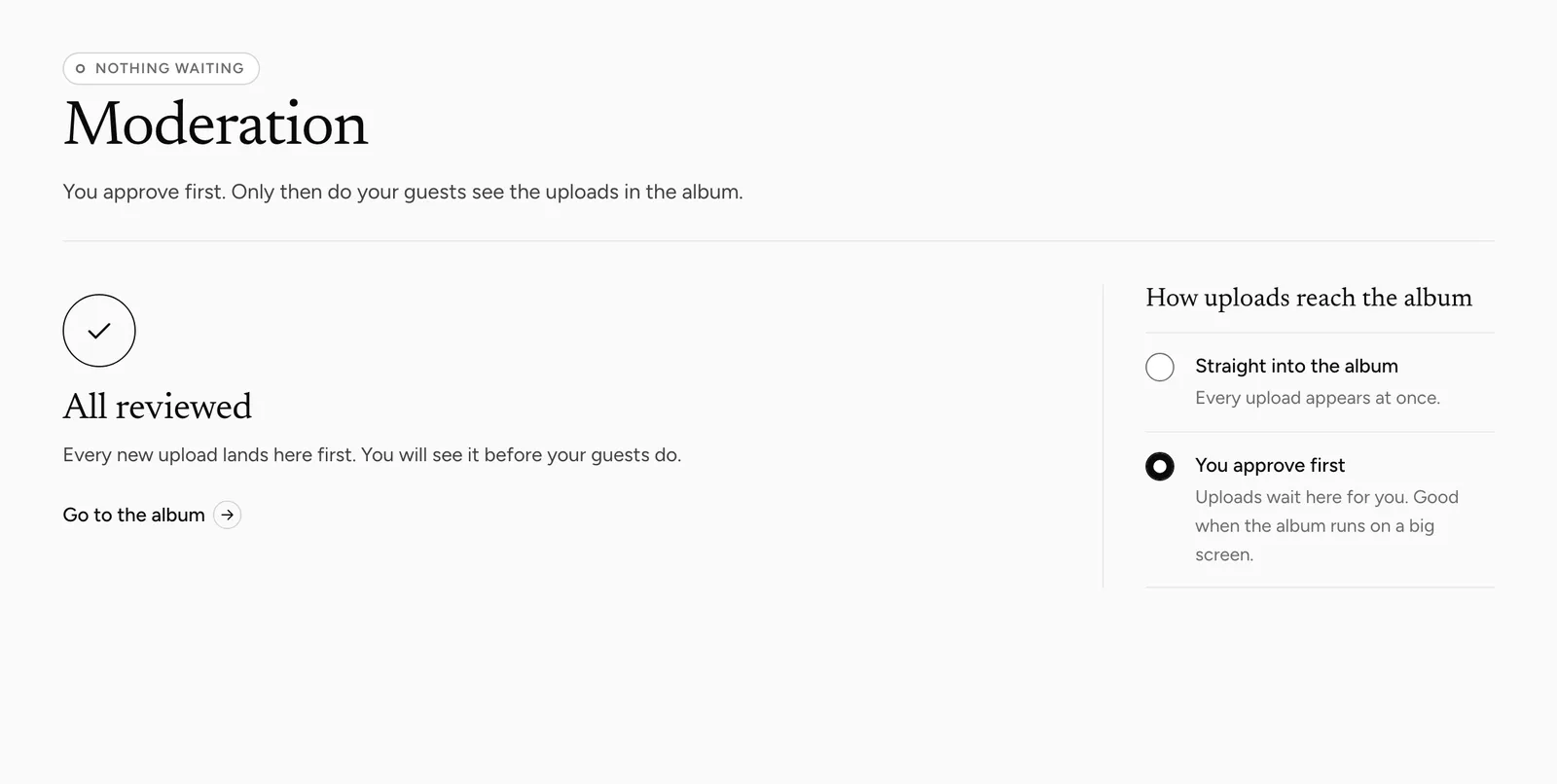
What review-first changes
Every new upload lands in the queue and stays invisible until you decide. That covers the shared album and the live wall alike, which is the point of using it at a public venue — nothing reaches a screen in the room unseen.
The guest who sent it is told it arrived, but does not see the picture in the album until you approve it. You can approve or reject one at a time, or approve everything waiting in one go.
What it costs you
Somebody has to work the queue, and during a party that means a phone in a hand rather than a drink. If nobody does, the album stays empty all evening and guests conclude it is not working. That is the real risk, not a bad picture slipping through.
Decide in advance who does it and roughly how often. Every 30 minutes is a workable rhythm.
When it is worth it
For a company event, a conference, anything with a screen in a public room, or a party where you do not know every guest. In those cases an unwanted picture on a projector costs more than somebody watching a queue.
For a wedding among invited guests it rarely pays. The people in the room are the people you chose.
Switching it on or off later
The setting can be changed at any time. Switching review-first on applies to what comes next, and uploads already in the album stay visible; switching it off releases everything still waiting, flagged items included, into the album and onto the live wall at once. Nothing is lost either way.
Switching it off mid-party is a legitimate move if the queue is winning. An album that fills is worth more than one that is perfectly curated and empty.
There is no automatic filter
No automatic content check sorts uploads on any plan. What reaches the album is decided by this setting and by you: on auto-publish, by hiding or deleting afterwards; on review-first, before anything is shown.
Anyone viewing the album can also use “Report content” to flag a picture to us. For an event where an unwanted picture on the wall would be a problem, review-first is the only setting that stops it in advance.
Common questions
Is review-first on by default?
No. Uploads publish automatically unless you switch the event over on its Moderation page.
Does the guest see their own upload while it waits?
No. They are told it arrived, but the picture stays out of the album until you approve it.
Does the live wall show queued items?
No. Nothing reaches the wall before you approve it.
Can I switch it off during the party?
Yes. Everything still waiting, flagged items included, then appears in the album and on the live wall at once.
Is there an automatic check as well?
No, not on any plan. Review-first and your own hiding or deleting are the filter.
Approve, reject and approve in bulk
Working through the queue quickly.
Hide or delete uploads
Taking something out after it appeared.
Use the live gallery at the party
The screen that review-first protects.
Is your album private?
Who can see the album at all.
A guest album for a company event
Where review-first earns its keep.
The album stays empty
Check whether review-first is on and the queue is waiting. That accounts for most of these.