QR code wedding photos sign: wording, templates and when to ask
Wording for a wedding QR code photos sign: 12 templates to copy for table cards, invitations and WhatsApp, plus the 3 moments that get guests uploading.

The short answer: the sign needs 1 line that says what happens when guests scan, such as “Scan, pick your photos, done. No app needed.” Print the web address underneath. Ask 3 times: on the invitation, once after the speeches and on WhatsApp the morning after. QR Album builds the finished sign in your dashboard, from £29 per wedding. Prices checked on 16 October 2026.
Which wording goes where?
- Table card and welcome sign: a heading and 1 line saying what to do. It is read sitting down, in seconds.
- Invitation: 2 sentences and the address in plain text, because a code on a screen cannot be scanned.
- WhatsApp: 1 line, then the link. It is read on a lock screen.
- Announcement: 1 sentence from the best man, the MC or the DJ. It reaches everyone who took the sign for decoration.
Wording for the sign and table cards
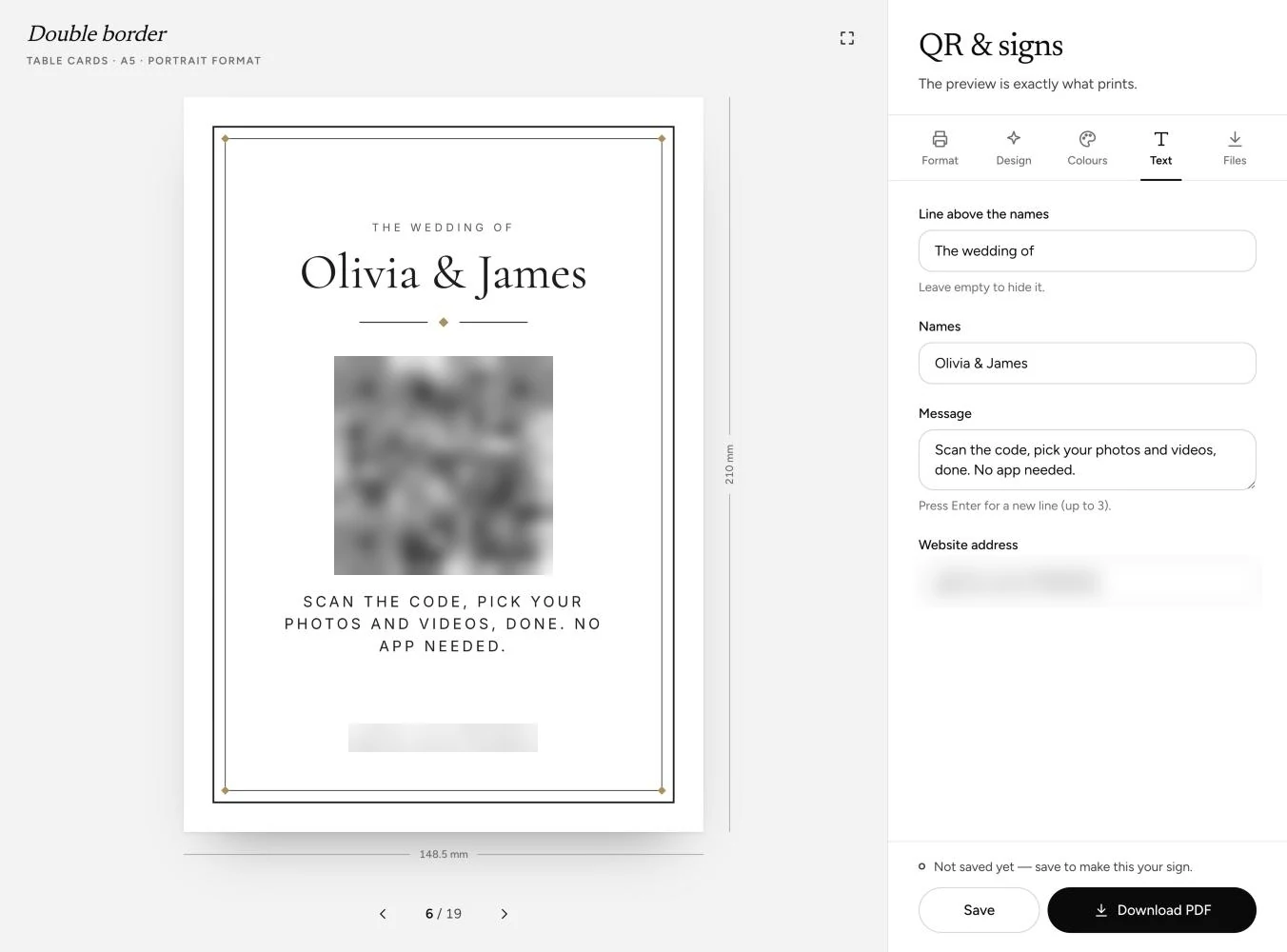
- Short: “Your photos from today” · “Scan the code, pick your photos and videos, done. No app needed.”
- Warm: “You saw the bits we missed” · “Scan the code and add your photos to our shared album.”
- Relaxed: “Phones out, please” · “Every photo from today lands in our album. Videos and voice notes too.”
- Formal: “Share your view of the day” · “Please scan the code to add your photographs to our wedding album. No app, no sign-up.”
- As a heading: “Capture the love”, “Our day through your eyes” or “Help us see what we missed”, always with the instruction beneath.
Wording for the invitation and WhatsApp
- Invitation: “Take as many photos as you like. Scan this code to add them to our album, with no app to download.”
- Invitation, for the run-up: “Photos from the hen do or the stag? Add them now, through the code or this link.”
- WhatsApp, the evening before: “Tomorrow’s the day. Every photo and video goes in here, no app needed: [link]”
- WhatsApp, the morning after: “Thank you for yesterday. Still have photos on your phone? Add them by Sunday: [link]”
Post the link in the group that already exists and give a date. A request without a deadline tends to wait.
When to ask
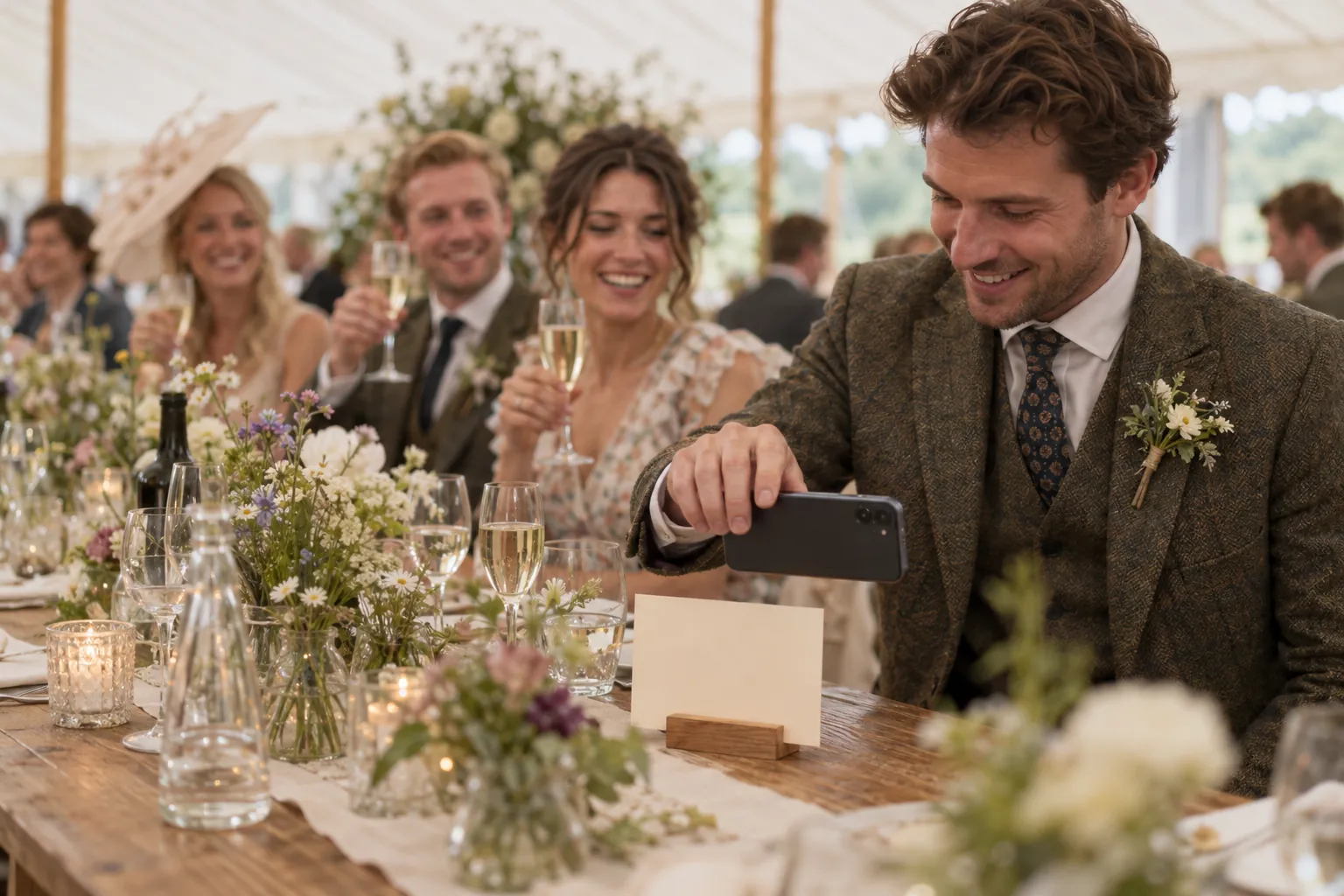
The best moment on the day is just after the speeches: everyone is seated, phones are on the table and the first photographs exist. The second wave comes the morning after, when guests scroll back through their camera rolls.
- Before: the code and address on the invitation, the WhatsApp message the evening before.
- On the day: a card on every table and at the bar, plus 1 announcement: “There’s a QR code on every table. Scan it and add your photos from today, no app needed.” Repeat it when the evening guests arrive.
- After: thanks, the link and a deadline of about a week.
Making the sign in QR Album
- Design and format: in the dashboard, under QR & signs, choose from 19 designs in Nature, Classic and Modern, then table cards, handouts or posters, from business card to A2.
- Your words: the names sit large at the top. Your request goes in the Message field, up to 120 characters, so every template above fits. Download as a PDF or a PNG at 300 dpi.
- Easy for guests: no app and no account, photos and videos in original quality, and voice notes with their name if they like.
Prices at a glance
A single payment per wedding, with no subscription, from £29. You can design the sign on every plan. Checked on 16 October 2026.
Essential
- Price (one-off)
- £29
- What you get
- Album online for 3 months, unlimited photos, videos and voice notes
Celebrate
- Price (one-off)
- £69
- What you get
- Album online for 6 months, plus the live photo wall
Grand
- Price (one-off)
- £89
- What you get
- Album online for 12 months, voice notes transcribed
Worth knowing: the link on the sign stays the same while the album is online, so guests can still upload days later.
Asked before, answered properly
What should a wedding QR code sign for photos say?
A short heading and 1 line that says what to do, such as “Scan, pick your photos, done. No app needed.” Add the web address underneath in plain text.
When should you ask guests for their photos?
On the invitation, in a short announcement after the speeches and on WhatsApp the morning after, with a deadline of about a week.
Is there a template for a wedding QR code sign?
Yes. In QR Album you choose 1 of 19 designs in the dashboard, add your wording and download the sign as a PDF or PNG.